
How to UntarX
Recover Account when you Forget Password
Forgot your password? No worries. You can reset your UntarX account password in just a few simple steps and regain secure access to your account.
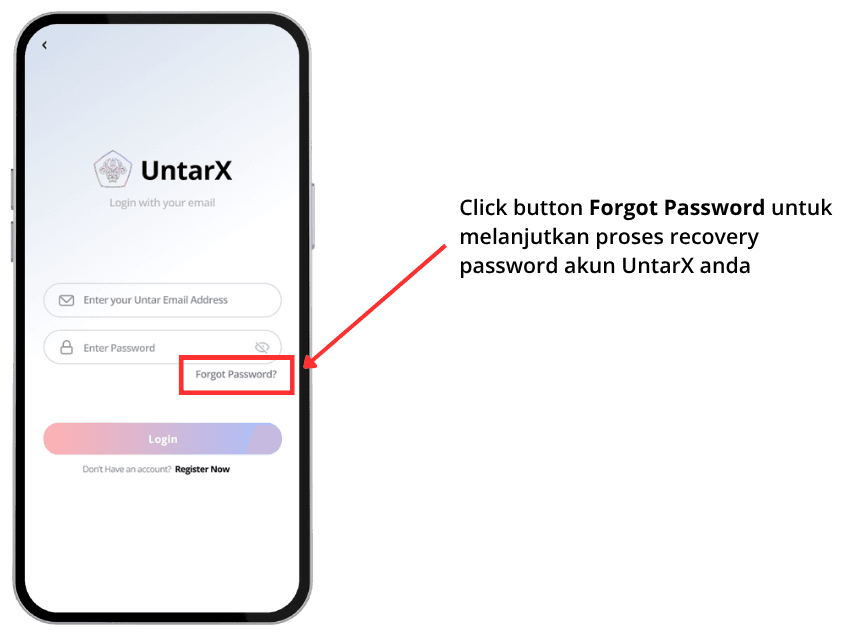
Click “Forgot Password” on the Login Page
Start by navigating to the Login page. Click the “Forgot Password” option to begin the password reset process. You will be redirected to the password recovery page.
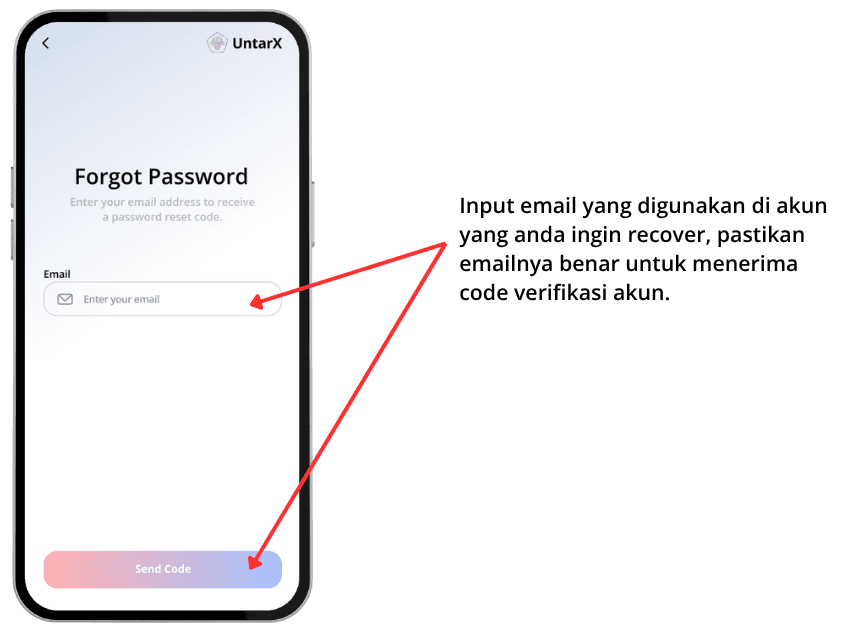
Enter Your Registered Email
On the recovery page, enter the email address associated with your UntarX account. Make sure the email is correct, as the verification code will be sent to this address.
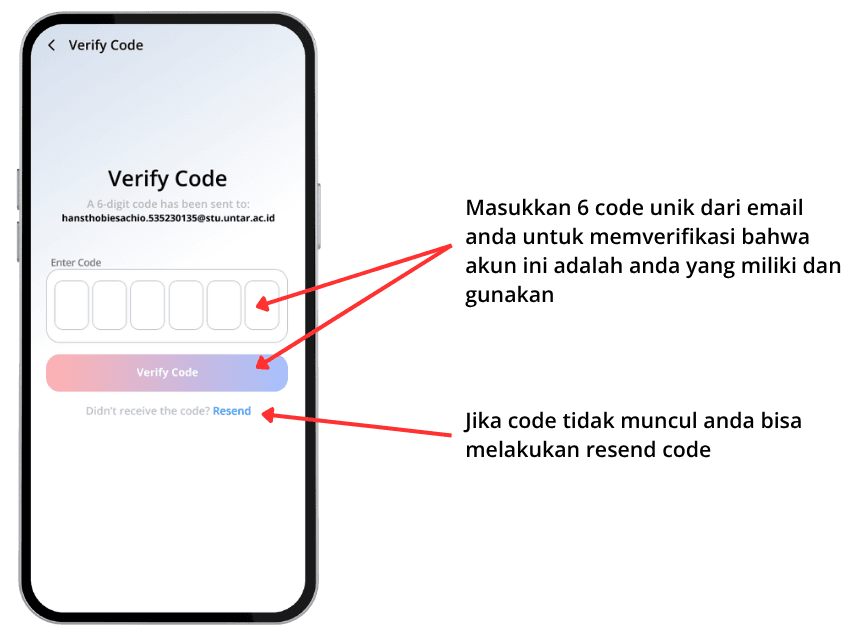
Verify with Email Code
A 6-digit verification code will be sent to your registered email. Check your inbox (and spam folder if necessary), then enter the code in the verification field to continue.
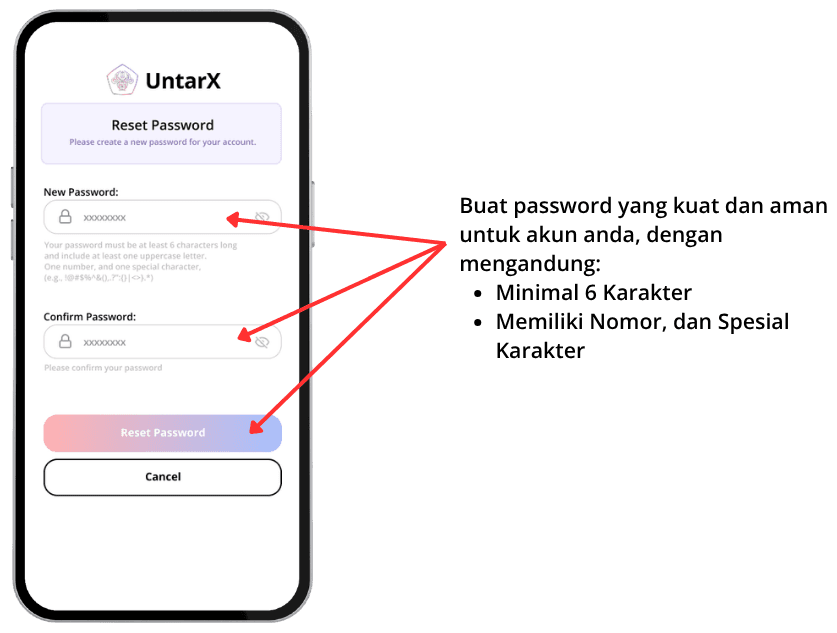
Create and Confirm Your New Password
After submitting your email, you will be prompted to set a new password. Enter your new password and confirm it in the provided fields. For better security, use a combination of uppercase and lowercase letters, numbers, and special characters.